Add skip logic to a Google Form
While Google Forms offers basic conditional questions, Fillavo provides a more advanced skip logic feature to guide respondents through your form based on their answers.
Fillavo uses bank-level security to encrypt your credentials.
Read about Fillavo's dedication to data security.
Read about Fillavo's dedication to data security.
1
Import your Google Form
Click "Sign in with Google" to import your Google Form.
2
Implement advanced skip logic
Use page logic or per-question conditional hiding to skip questions.
3
Publish and share your form
Click "Publish" to get a link to your form. That's it!
What is Fillavo?
Like Google Forms, Fillavo is a form building tool. Fillavo includes a lot of additional features, like powerful integrations, templates designed to increase conversions and much more.
Fillavo is completely free for up to 1000 submissions/month.
Fillavo is completely free for up to 1000 submissions/month.




How does skip logic work in Fillavo?
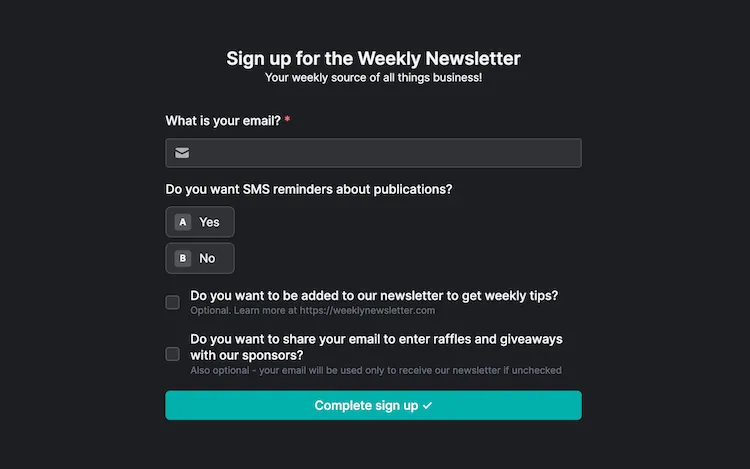
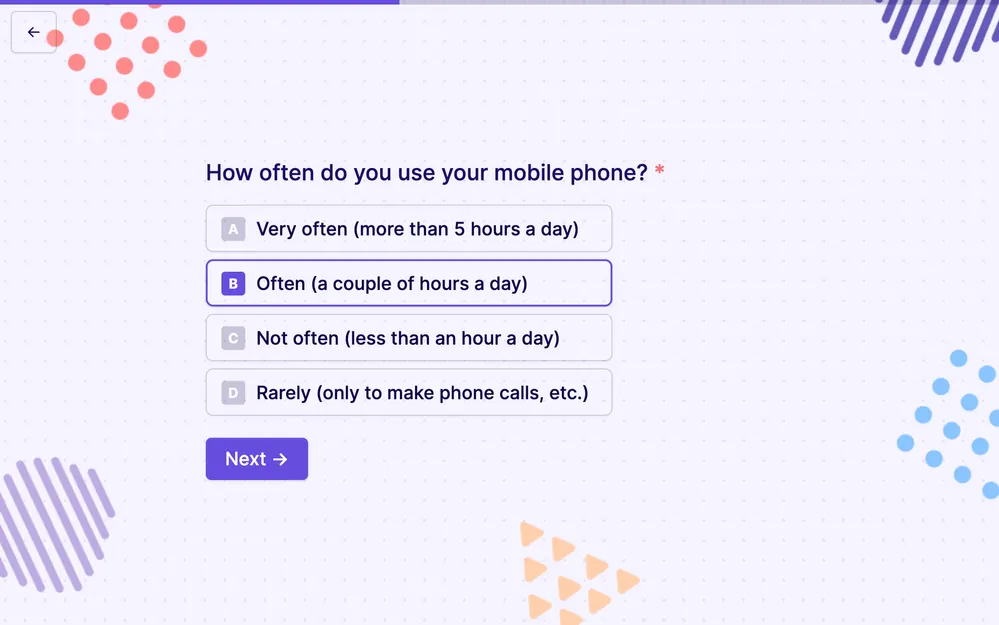
By default, form pages have a button that will send your user to the next page, creating a linear series of pages. As you build your form, you may want to control how your form pages connect through branching logic and conditional steps. This means you can customize the path respondents take based on their answers, making your forms more interactive and tailored to individual needs.
Customize form logic & navigation
Add advanced logic to your Google Forms, like sections, multiple pages and skip logic.