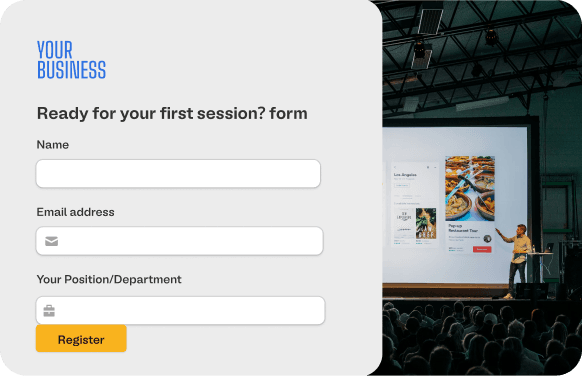
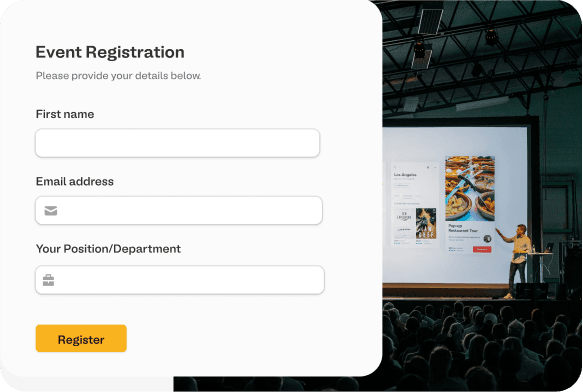
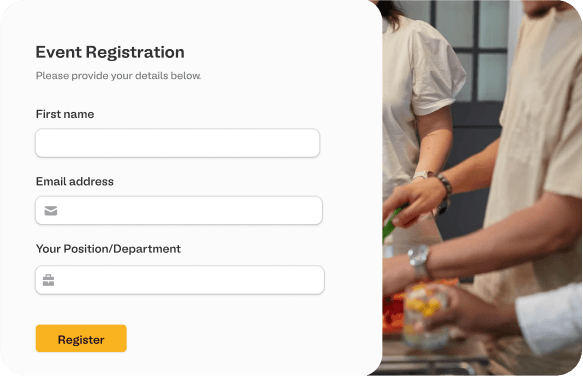
Schedule with Google Form
Google Forms lacks scheduling capabilities. Import your form to Fillavo to set up appointments and schedules.
Fillavo uses bank-level security to encrypt your credentials.
Read about Fillavo's dedication to data security.
Read about Fillavo's dedication to data security.
1
Import your Google Form
Click "Sign in with Google" to import your Google Form.
2
Add a scheduling page
Connect to your Google Calendar to schedule events.
3
Publish and share your form
Click "Publish" to get a link to your form. That's it!
What is Fillavo?
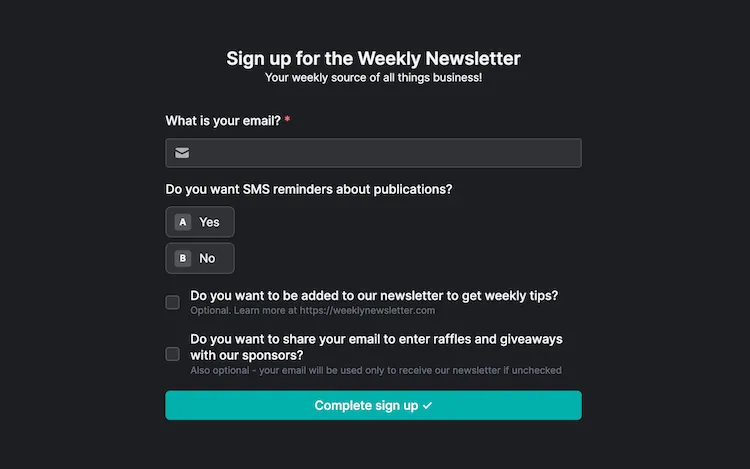
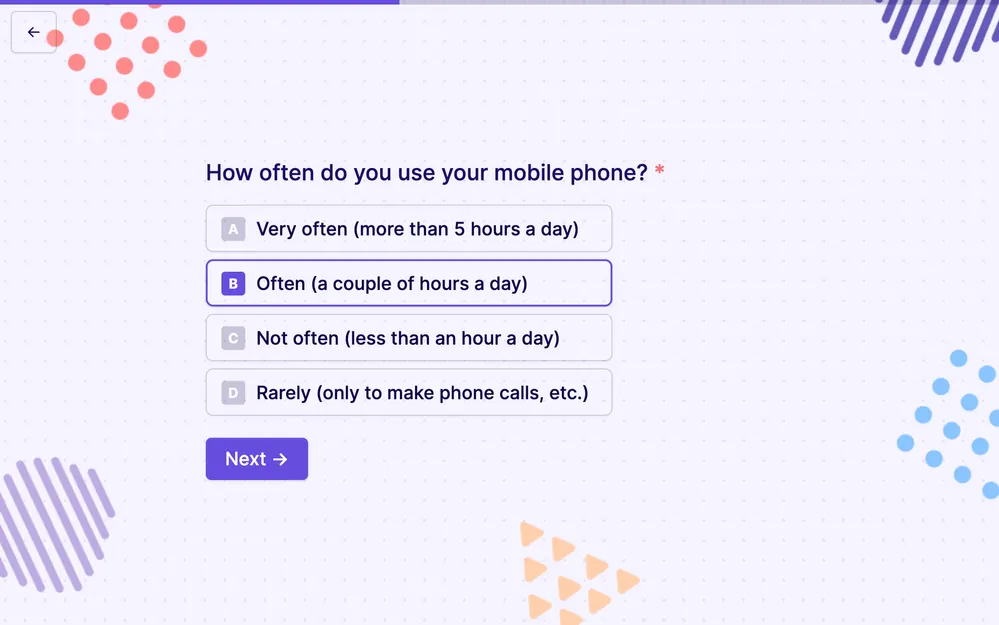
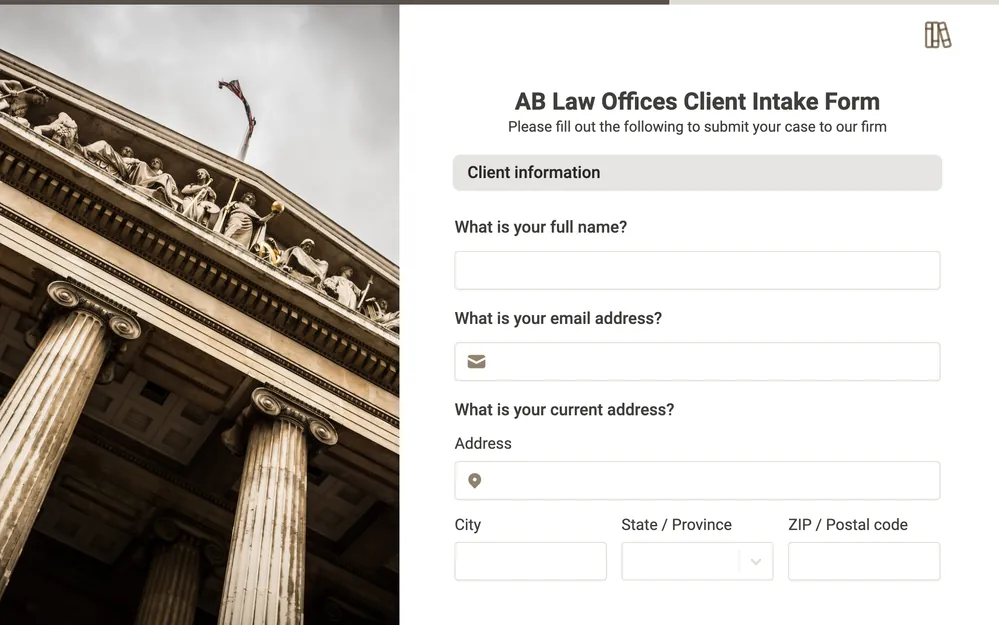
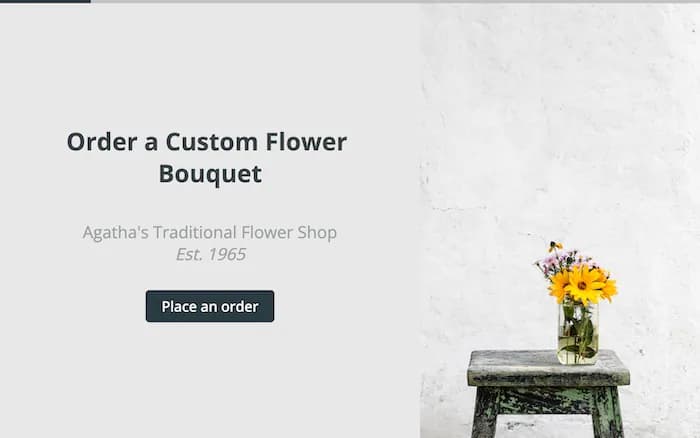
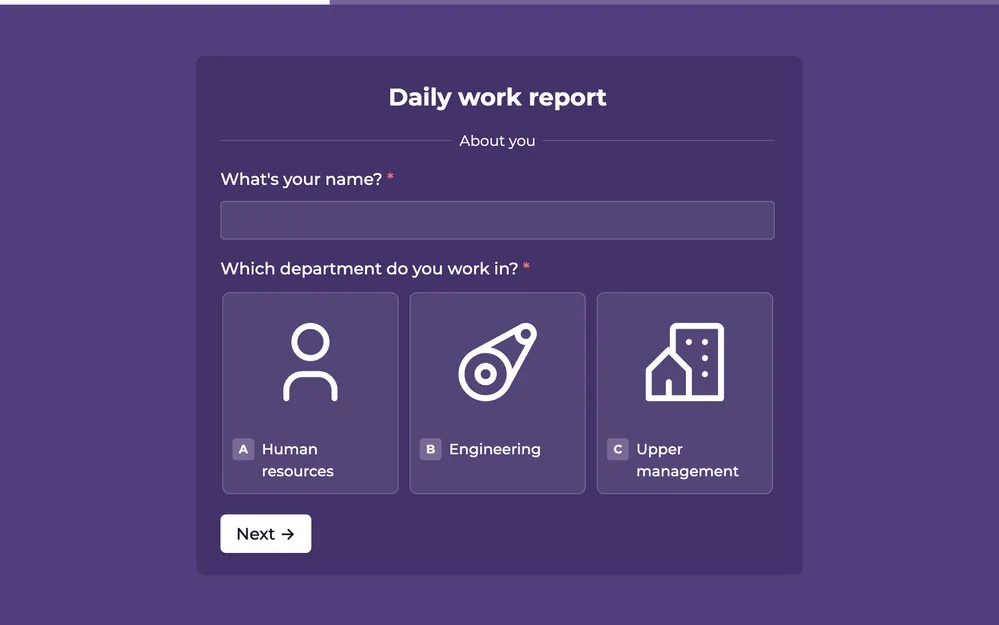
Like Google Forms, Fillavo is a form building tool. Fillavo includes a lot of additional features, like powerful integrations, templates designed to increase conversions and much more.
Fillavo is completely free for up to 1000 submissions/month.
Fillavo is completely free for up to 1000 submissions/month.
How can I use scheduling in Fillavo?
Allow respondents to book a time slot on your calendar, using Calendly or other scheduling integrations directly from your Fillavo form.
Integrate Google Forms with 3rd party tools
Connect your forms with other platforms to automate workflows and keep your tools in sync. Fillavo integrates with dozens of popular apps.