Add multiple columns in Google Form
Google Forms doesn't support multi-column layouts natively. Import your form to Fillavo to customize your form's layout.
Fillavo uses bank-level security to encrypt your credentials.
Read about Fillavo's dedication to data security.
Read about Fillavo's dedication to data security.
1
Import your Google Form
Click "Sign in with Google" to import your Google Form.
2
Drag a question side-by-side
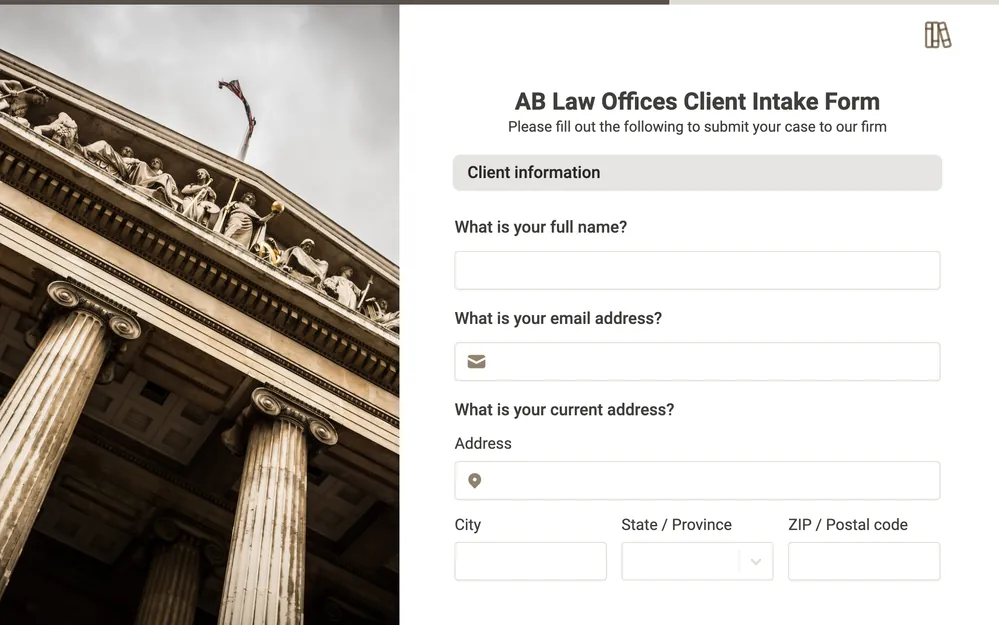
Fillavo's form builder allows for flexible multi-column designs.
3
Publish and share your form
Click "Publish" to get a link to your form. That's it!
What is Fillavo?
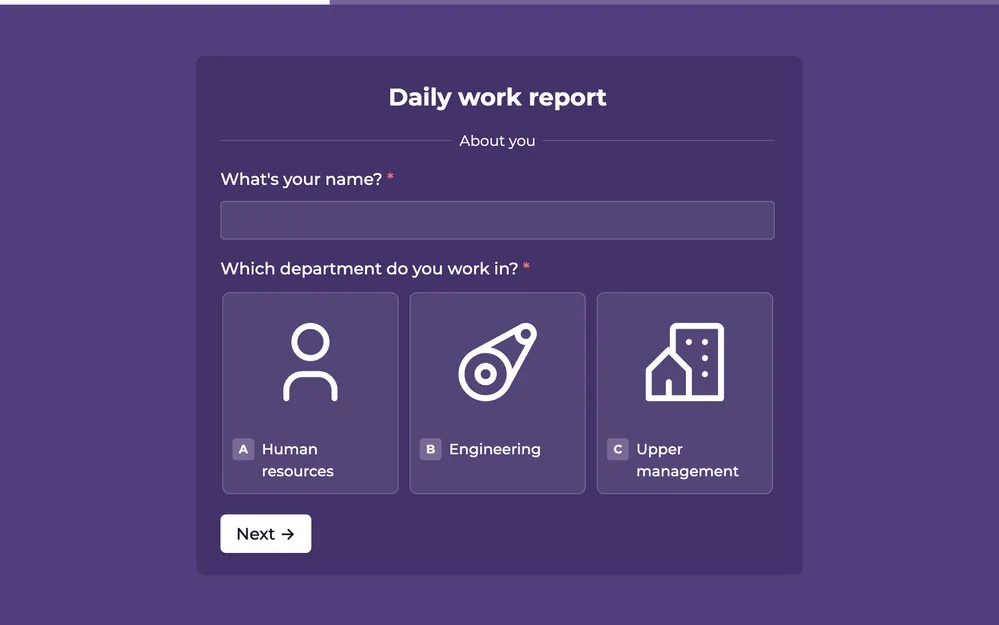
Like Google Forms, Fillavo is a form building tool. Fillavo includes a lot of additional features, like powerful integrations, templates designed to increase conversions and much more.
Fillavo is completely free for up to 1000 submissions/month.
Fillavo is completely free for up to 1000 submissions/month.




How do I design multi-column layouts in Fillavo?
Drag a question to the right of another question. You can also reorder columns with drag and drop. Currently, you can have a maximum of two columns (i.e. two questions side by side).
Add new questions types to Google Forms
Convert your Google Form to a Fillavo form to use 50+ customizable question types.